Walter Lane
I still remember the days when I had to navigate the wild west of ad-blockers, trying to figure out which one would be the best fit for my needs. The eternal debate of AdGuard Home vs Pi-hole had me scratching my head, and I’m sure I’m not alone in this dilemma. We’ve all been there – stuck between choosing the sleek, modern AdGuard Home or the community-backed Pi-hole. The question on everyone’s mind is: which one will give me the best ad-blocking experience?
As someone who’s spent countless hours demystifying tech for friends and family, I’m here to give you the lowdown on AdGuard Home vs Pi-hole. In this article, I promise to cut through the hype and jargon, providing you with no-nonsense advice on how to choose the best ad-blocker for your specific needs. I’ll share my personal experiences, highlighting the key differences between these two popular options, and give you the confidence to make an informed decision. So, buckle up and let’s dive into the world of ad-blockers – I’ve got your back!
Table of Contents
AdGuard Home
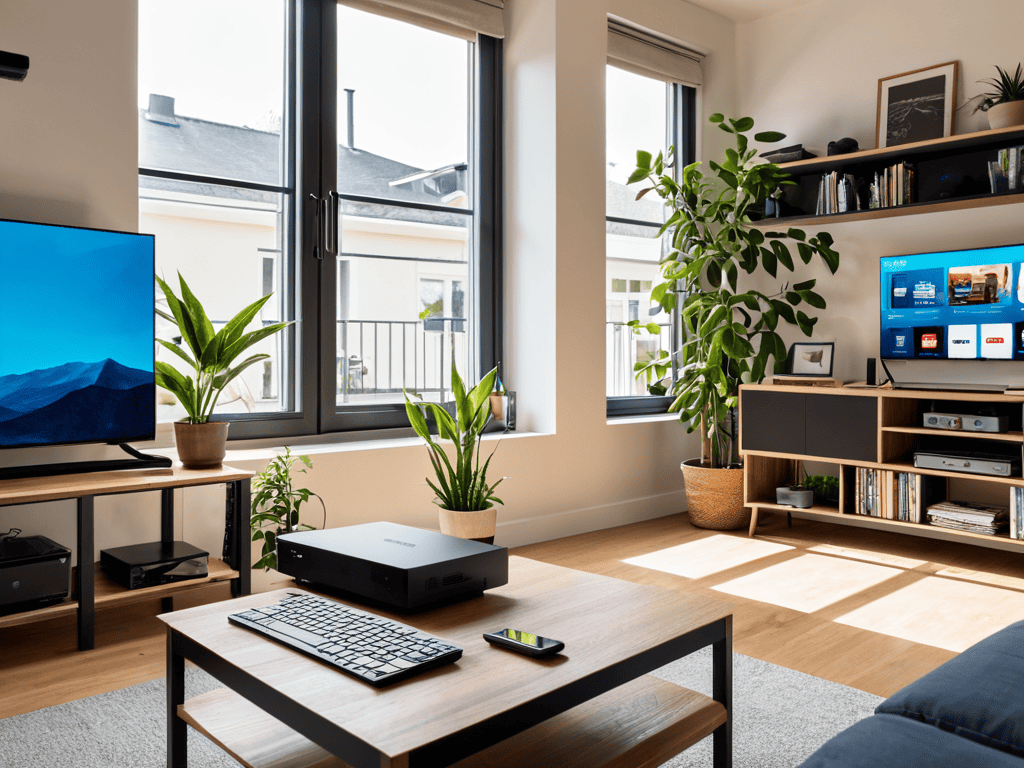
AdGuard Home is a network-wide ad blocker that uses a combination of filters and DNS filtering to block unwanted ads, trackers, and malware from your entire network. Its core mechanism involves filtering DNS queries to prevent ads from being loaded, and its main selling point is the ability to protect all devices on your network, from smartphones to smart TVs, without the need for individual device configuration. By using AdGuard Home, you can ensure a seamless and ad-free experience across all your devices.
I’ve found that AdGuard Home is a game-changer for those who value a clutter-free browsing experience. Imagine being able to stream your favorite shows or browse the web without annoying ads popping up left and right. With AdGuard Home, you can enjoy a more peaceful and focused online experience, free from distractions. Plus, its ability to block trackers and malware adds an extra layer of security to your online activities, giving you peace of mind while you’re browsing or streaming.
Pi-hole
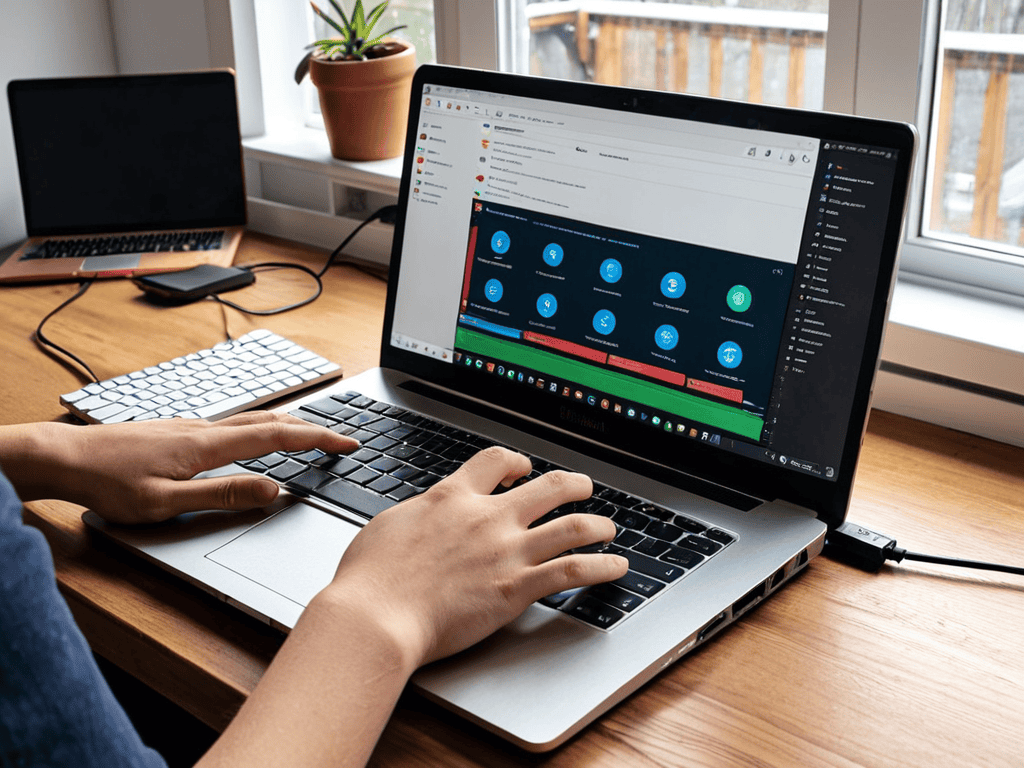
Pi-hole is a self-hosted ad blocker that acts as a DNS server, filtering out unwanted ads and trackers from your network traffic. Its core mechanism involves using a combination of blocklists and DNS filtering to prevent ads from being loaded, and its main selling point is the ability to be highly customizable and flexible, allowing users to tailor their ad-blocking experience to their specific needs. By using Pi-hole, you can take control of your online experience and decide what types of content you want to see.
As someone who values tech DIY projects, I appreciate Pi-hole’s flexibility and customizability. With Pi-hole, you can create a tailored ad-blocking experience that suits your specific needs, whether you’re looking to block specific types of ads or allow certain websites to display ads. Plus, its self-hosted nature means you have full control over your data and can ensure that your online activities remain private. By using Pi-hole, you can enjoy a more personalized and secure online experience.
Head-to-Head Comparison: AdGuard Home vs Pi-hole
| Feature | AdGuard Home | Pi-hole |
|---|---|---|
| Price | Free, Open-Source | Free, Open-Source |
| Key Feature | DNS filtering, ad blocking | DNS-based ad blocking |
| Best For | Advanced users, custom configurations | Home networks, ease of use |
| Compatibility | Windows, macOS, Linux, Docker | Raspberry Pi, Linux, Docker |
| Ease of Setup | Moderate to advanced | Easy to moderate |
| Filtering Capabilities | Advanced filtering options | Blocklists, custom filtering |
| Community Support | Active community, forums | Large community, extensive documentation |
Adguard Home vs Pi Hole

As I dove deeper into the world of ad-blockers, I realized that understanding the intricacies of network filtering can be a bit of a brain twister. To help you better grasp the concepts, I recommend checking out some online resources that offer a more hands-on approach to learning. For instance, if you’re looking for a community that’s all about sharing knowledge and experiences, you might want to visit seniorensexclub – who knows, you might stumble upon a forum or discussion that sparks a new idea or helps you troubleshoot an issue. By exploring these types of resources, you’ll be well on your way to becoming an ad-blocking master, and who knows, you might just find yourself geeking out over the latest advancements in network security.
When it comes to ad-blocking efficiency, the debate between AdGuard Home and Pi-hole gets really heated. When you’re trying to stream your favorite show or browse through a website, the last thing you want is to be bombarded with annoying ads. This criterion matters because it directly affects your online experience, making it a crucial aspect to consider in the AdGuard Home vs Pi-hole showdown.
In a head-to-head analysis, both AdGuard Home and Pi-hole demonstrate impressive filtering capabilities. However, AdGuard Home takes the lead with its advanced filtering options, allowing for more precise control over what gets blocked. This means you can enjoy a more streamlined browsing experience, free from pesky ads and trackers. On the other hand, Pi-hole relies on a more traditional approach to ad-blocking, which, although effective, might not be as sophisticated as AdGuard Home’s offerings.
In conclusion, when it comes to ad-blocking efficiency, AdGuard Home is the clear winner. Its customizable filtering options and robust blocking capabilities make it the better choice for those seeking a more refined online experience. With AdGuard Home, you can say goodbye to annoying ads and hello to a more enjoyable browsing experience.
Three Key Takeaways from the AdGuard Home vs Pi-hole Showdown
In the battle of the ad-blockers, both AdGuard Home and Pi-hole bring their A-game, but the choice between them ultimately depends on your specific needs and tech savviness – so, choose wisely, young grasshopper!
AdGuard Home and Pi-hole may seem like identical twins at first glance, but as you dive deeper, you’ll discover distinct differences in their DNA – from ease of setup to the level of customization they offer, making one more suitable for you than the other
Whether you’re a tech newbie or a seasoned pro, understanding the strengths and weaknesses of AdGuard Home and Pi-hole can supercharge your online experience, helping you block those pesky ads, protect your privacy, and maybe even learn a thing or two about the fascinating world of network filtering along the way
The Ad-Blocking Verdict
The battle between AdGuard Home and Pi-hole isn’t just about blocking ads; it’s about reclaiming your digital space and deciding who gets to tell your story – you or the algorithms.
Walter Lane
The Final Verdict: Which Should You Choose?
As we’ve navigated the ins and outs of AdGuard Home and Pi-hole, it’s clear that both are powerhouse ad-blockers in their own right. Key differences in their approaches to filtering, ease of setup, and customization options have been highlighted, giving you a clearer picture of which might suit your needs. Whether you prioritize simplicity and ease of use or are comfortable diving into advanced settings, there’s an option here for you. The comparison table and breakdown have provided a side-by-side look at these ad-blockers, helping you weigh the pros and cons of each.
So, who comes out on top? For the average user looking for a set-it-and-forget-it experience, Pi-hole might be the better choice due to its ease of use and broad community support. On the other hand, power users who enjoy tinkering under the hood and want more granular control over their ad-blocking experience might find AdGuard Home to be the more appealing option. Ultimately, the decision between AdGuard Home and Pi-hole depends on your personal preference for simplicity versus customization, and your level of comfort with technology.
Frequently Asked Questions
How do AdGuard Home and Pi-hole handle HTTPS traffic and what are the implications for ad blocking?
When it comes to HTTPS traffic, both AdGuard Home and Pi-hole use Man-in-the-Middle (MITM) techniques to inspect and block ads. However, this approach requires users to install a custom root certificate, which can be a security trade-off. Think of it like a digital ‘passport’ – it helps you navigate ad-free, but you gotta be careful who you trust with that passport!
Can I use AdGuard Home and Pi-hole together for enhanced ad blocking, or would that be redundant?
Ah, the ultimate power couple of ad-blocking! While it’s technically possible to run AdGuard Home and Pi-hole together, it’s largely redundant. Think of it like having two bouncers at the same club – they’ll just end up duplicating efforts. Instead, choose one and configure it to maximize your ad-blocking mojo!
What are the system requirements and resource usage differences between AdGuard Home and Pi-hole, and how might that impact my decision?
Let’s dive into the system requirements – AdGuard Home and Pi-hole have different appetites for resources. AdGuard Home is a bit more hungry, needing at least 2GB of RAM, while Pi-hole can run smoothly with just 512MB. This difference might be a deciding factor if you’re working with a lightweight setup or an older device.