 DigiDummysAdmin
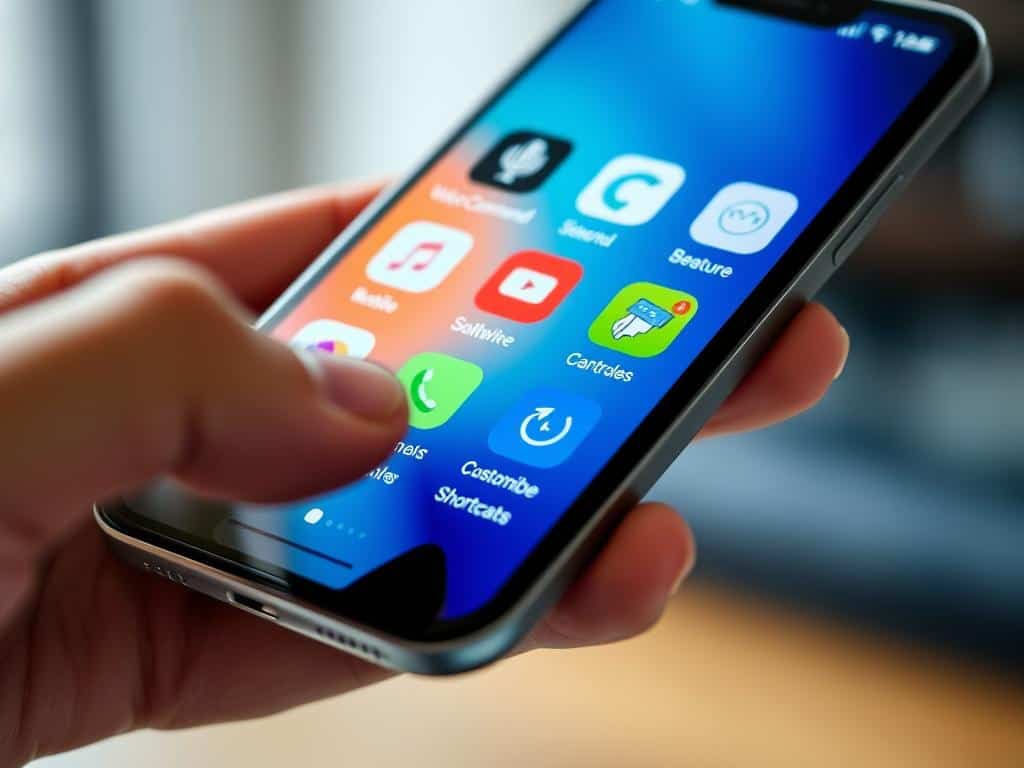
Did you know you can make your smartphone way more efficient with hidden app shortcuts? Many of these features are already on your device if it’s running iOS 13 or newer. These shortcuts can change how you use your phone, making everyday tasks easier.
From the newest Android features to iOS’s hidden gems, these shortcuts can save you time. You’ll learn how to get the most out of your device. And with updates like Android 14 and new iOS versions, you’ll always have something new to try.
Key Takeaways
- App shortcuts can drastically improve smartphone efficiency.
- iOS 13 and newer come with the built-in Shortcuts app, which provides many functionalities.
- Siri Shortcuts enable quick actions, making daily tasks quicker to accomplish.
- Android users can customize shortcuts for a more tailored experience.
- Understanding your device’s hidden features can lead to smoother multitasking.
- Both platforms offer unique capabilities that enhance user experience.
Understanding App Shortcuts for Enhanced Mobile Efficiency
In today’s fast world, app shortcuts boost mobile efficiency. They give users quick access to common actions. This makes apps easier to use and boosts productivity.
There are three main types of app shortcuts: static, dynamic, and pinned. Knowing about them changes how we use our devices.
Static shortcuts are actions that apps have from the start. They are limited to five per app but work right away. Dynamic shortcuts change based on how you use the app. They adapt to your needs.
Pinned shortcuts are for personal use. You can pick which app actions to add to your home screen. This makes it easy to get to your favorite features.
Android versions 8.0 and later improved these shortcuts. Learning to use them well makes your phone more efficient. It makes using apps simpler and faster.
Hidden Features of Android: Unlocking App Shortcuts
Android has many hidden features that can make our lives easier. By using certain shortcuts, we can do things faster and more efficiently. Let’s explore how to find these Android shortcuts and make our devices work better for us.
Enable Developer Options for Advanced Control
To unlock special settings, we need to turn on Developer Options. We do this by going to “About Phone” and tapping “Build Number” seven times. With these options, we can tweak our device’s performance and try new things that help us multitask better.
Use Split Screen for Multitasking
Split-screen mode is a big help for those who want to get more done. To start it, we swipe up, open the app tray, tap the menu, and choose “Split screen.” This lets us use two apps at once, making multitasking easier and keeping us focused.
Check Notification History to Stay Updated
It’s important to keep up with missed notifications. We can see our Notification History by going to Settings, then Notifications, and “More settings.” This helps us manage our notifications and catch up on updates we might have missed.
Maximizing iOS Potentials: Hidden App Shortcuts
As an iPhone user, I always look for ways to be more productive. Using iOS shortcuts helps a lot. Siri Shortcuts are great for quick actions, saving time on daily tasks. The Shortcuts app lets me create custom shortcuts that meet my needs.
Utilizing Siri Shortcuts for Quick Actions
Siri Shortcuts make my life easier by doing things faster. I can make voice commands for sending messages or playing music. Apple has added new shortcuts for fitness, helping me track my goals.
There’s also a community of users sharing shortcuts. They cover all sorts of needs, making my life easier.
Creating Custom Shortcuts with the Shortcuts App
The Shortcuts app lets me make shortcuts that fit my daily life. I can make workflows that do many things at once, like adding to Notion or checking updates. It’s very flexible, working on specific days or times.
For example, the Photo Recall shortcut shows me photos from the same day last year. It adds a personal touch to my day.
Improving App Navigation and Accessibility
In today’s world, making apps easier to use is key. With people using their phones for hours every day, apps need to be simple to navigate. Features that help everyone use their phones better make them more useful for all.
One-Handed Mode for Easier Usage
One-handed mode is a big help for those always on the move. It moves things closer to your thumb, making it easier to use your phone. With over 5 billion people using mobile phones, making apps work for everyone is important.
Apps like the Cryptocurrency App are great examples. They have clear navigation that works well with one hand. This lets users easily use their phones without struggling.
Live Transcribe for Real-Time Conversations
Live Transcribe changes how we talk to each other. It turns speech into text right away, helping those who can’t hear well. With 82% of people using screen readers, this feature is a game-changer.
Apps that focus on making things easy to use are a big plus. They let everyone get the most out of their phones, without any hassle.
Conclusion
This article has shown us hidden app shortcuts that can make our smartphones better. By using features from Android and iOS, we can optimize our devices. These shortcuts help us do daily tasks faster, making our mobile life easier.
These shortcuts are easy to find and use, thanks to their simple setup. They let us use Siri Shortcuts and multitask better. This makes our phones more productive and enjoyable to use.
Now, I’m looking forward to trying out different app shortcuts. I want to make my phone use more efficient and fun. Using these shortcuts will make navigating apps easier and improve my phone experience.

