 DigiDummysAdmin
Did you know about 70% of smartphones have cool features we often miss? Many of us stick to the basics, but there’s so much more. These hidden features and hacks can really boost how we use our phones every day.
Technology keeps getting better, and even those who’ve been using phones for years can find new things to love. In this article, I’ll share some top tips to get the most out of your phone. Get ready to be wowed by these tricks that make life easier and more fun!
Key Takeaways
- 70% of smartphones feature user-friendly functions that many don’t use.
- Airplane mode while charging doubles charging speed.
- Over 60% of users are unaware of apps that offer a recycle bin feature.
- Smartphone cameras can act as makeshift spectacles for those with myopia.
- Techniques exist to transform smartphones into effective night lamps.
Unveiling Hidden Smartphone Tricks
Smartphones have many hidden features that can change how we use them. By exploring these tricks, we find many ways to make our phones better. Learning a few simple tips can make our daily phone use much better.
Shift Your Keyboard Left or Right
For one-handed typing, I can move my keyboard left or right on my iPhone. I just hold down the globe or emoji icon to choose the best spot. This is super helpful when I’m typing fast with one thumb, making it a key tip for quick messages.
Use Your Keyboard as a Trackpad
Using my keyboard as a trackpad is really useful. When I press and hold the spacebar, the keys turn gray. This lets me move the cursor easily to edit text exactly where I want. It makes editing faster and less frustrating than using a traditional cursor.
Create Text Replacements for Efficiency
Creating text replacements makes typing repetitive phrases a thing of the past. In my iPhone settings, I can set up shortcuts for common phrases. For instance, typing “brb” can turn into “Be right back!” This trick speeds up my messages and keeps my communication consistent. Using these tricks can greatly improve how fast I text.
Must-Know Tips for iOS Users
As an iOS user, I’ve found that using certain tricks can really improve my experience. Apple’s system keeps getting better, adding new features and hacks. Here are some tips that make everyday tasks faster and easier.
Screen Capture Entire Web Pages
Capturing a whole web page is now easy with the latest iOS. Just take a screenshot in Safari, then tap the thumbnail. You can save the whole page as a PDF. This makes it easy to go back to important info, showing how iOS tricks can make browsing better.
Sign Documents Digitally
Being able to sign documents on my iPhone is really useful. After taking a screenshot of a document, I can add my signature using markup options. This hack means I don’t need to print or scan, making digital deals easier.
Utilize Live Text for Editable Text Extraction
Live Text changes how I deal with images and videos. By tapping the Live Text icon, I can get editable text from my photos. This makes it simple to copy or share important info, showing how iOS tricks can boost productivity.
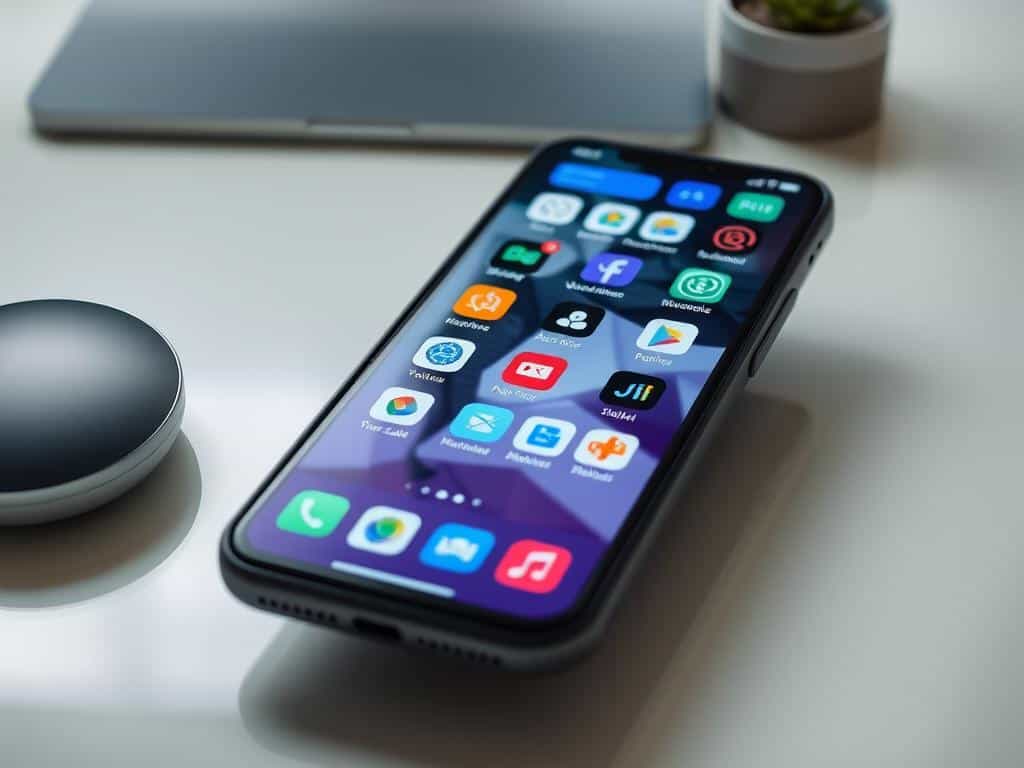
Smartphone Tricks to Enhance Usability
In today’s world, using smartphones effectively means knowing and using various features. These features make our phones more useful. Here are some essential tricks to improve your mobile experience.
Customize Safari Settings per Website
Adjusting Safari settings for each website makes browsing better. You can change font sizes or ask for the desktop version on certain sites. This customization makes navigation smoother and reduces distractions.
These tricks help you work more efficiently. They let you focus on important things while browsing.
Silence Unknown Callers for Peace
Managing calls is key to keeping peace. The “Silence Unknown Callers” feature sends unknown calls straight to voicemail. This hack keeps you focused and avoids interruptions.
Using these tricks helps you manage your time better. It lets you focus on important calls, boosting your productivity.
Conclusion
Learning smartphone tricks can really improve how I use my phone. Many Android users don’t know about Developer Mode, and iPhone users miss out on Object Measurement. These tips help me customize my phone and make tasks easier.
Did you know 72% of users love Quick Access to Google Assistant? Yet, many don’t know how to use it. By exploring these tricks, I can use my phone better and avoid distractions. Features like split-screen multitasking and flash notifications make a big difference.
Staying up-to-date with these features makes my phone use better. It also makes my life richer. By using these tips, I make every interaction with my phone more efficient and fun.

